
Kafka Connect keeps its connector configuration and source offsets in Kafka topics. If a worker starts with the wrong topic name it can create a new empty topic instead of reading the state you expected it to recover. The worker may have started successfully while the connector’s previous progress is nowhere to be found.
Anton Liauchuk’s KIP-1209 adds an option in Kafka 4.4.0 to stop that automatic creation. You can provision the internal topics separately and require workers to find them before they start using them.
This is Part 4 of our Kafka 4.4.0 series. Unlike the Streams recovery changes in Part 3 this doesn’t change how state is stored. It gives you a way to stop a missing topic from being treated as a fresh installation.
Connect’s Internal Topics
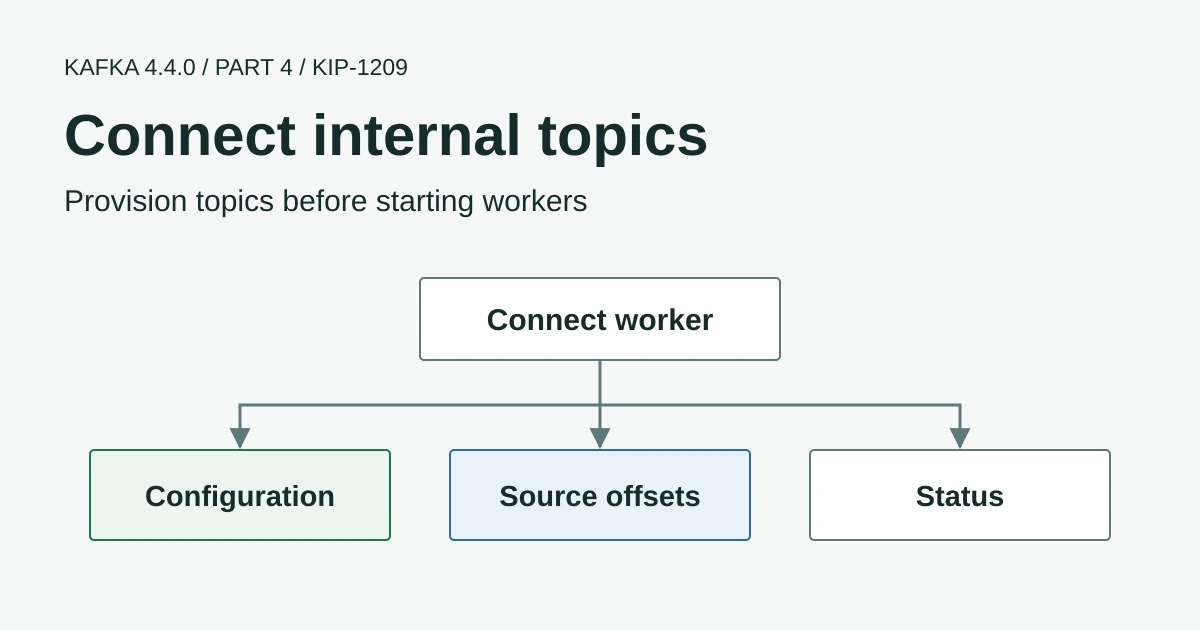
A distributed Connect cluster uses three worker-level internal topics. Workers in the same cluster must agree on their names and connect to the Kafka cluster containing them.
| Worker setting | Stored information | Effect of losing that state |
|---|---|---|
config.storage.topic | Connector and task configurations | The cluster can lose its configured connectors |
offset.storage.topic | Source connector progress | A source may reread data or restart from a connector-specific default |
status.storage.topic | Connector and task status | Status information must be repopulated |
Source connectors can also have a separate offsets.storage.topic override. Notice the plural offsets in that connector setting compared with the worker’s offset.storage.topic.
Sink connector consumer offsets normally live in Kafka’s consumer-group offset storage rather than the worker’s source-offset topic. Deleting the Connect offset topic therefore isn’t a general way to reset every connector and shouldn’t be used as a recovery shortcut.
Disable Automatic Creation
Add this property to the distributed worker configuration after verifying the required topics exist.
internal.topics.automatic.creation.enable=falseThe default is true so upgrading Kafka Connect alone keeps the previous behaviour. With creation disabled a missing required internal topic causes startup of the relevant worker or connector offset store to fail rather than silently creating empty state.
This covers the worker’s three internal topics and the source-connector offset overrides. It doesn’t replace topic.creation.enable for source connectors’ output topics or the broker’s auto.create.topics.enable. Those settings control different creation paths. The released distributed worker configuration defines the new option and its scope.
Creating a topic does not restore its contents
If an established Connect cluster reports a missing internal topic investigate the cluster connection and configuration before creating a replacement. A new empty topic with the same name does not recover lost connector configuration or source offsets.
Provision a New Connect Cluster
Kafka 4.4.0 includes connect-internal-topics.sh to create the worker’s internal topics from its configuration file. Here is an example for a new Connect cluster on a Kafka cluster with at least three brokers.
# Selected properties in connect-distributed.properties
bootstrap.servers=kafka-1:9092,kafka-2:9092,kafka-3:9092
group.id=connect-production

config.storage.topic=connect-production-configs
config.storage.replication.factor=3
config.storage.min.insync.replicas=2

offset.storage.topic=connect-production-offsets
offset.storage.partitions=25
offset.storage.replication.factor=3
offset.storage.min.insync.replicas=2

status.storage.topic=connect-production-status
status.storage.partitions=5
status.storage.replication.factor=3
status.storage.min.insync.replicas=2

internal.topics.automatic.creation.enable=false
Keep the existing authentication and TLS properties in that file along with the other worker settings. The partition counts above are illustrative defaults rather than a sizing recommendation. The configuration topic uses one partition so connector configuration changes have a single order.
Run the provisioning command using an identity permitted to create and configure those topics.
bin/connect-internal-topics.sh create \
  --worker-config config/connect-distributed.properties
The tool’s implementation creates compacted topics using the selected names and replication settings even when automatic creation is disabled. It doesn’t recover lost data or discover every connector-specific offset topic from the worker file. Provision those separately when you use overrides.
If the worker runs with narrower permissions than the provisioning identity use a provisioning copy of the configuration with the appropriate credentials. Don’t leave topic-creation access on the worker merely because the setup command needed it. Our Kafka security guides cover the authentication and access-control setup.
Applying It to an Existing Cluster
For an existing deployment I’d check the current topics before editing anything. Changing their names creates a different state source even when the Kafka brokers and the connector names stay the same.
- Verify that every worker uses the intended Kafka cluster and the same internal topic names.
- Inspect the three internal topics and any connector-specific offset topics. Check their contents and replication as well as their existence.
- Verify compaction and the single-partition configuration topic without deleting or recreating existing topics.
- Apply
internal.topics.automatic.creation.enable=falseconsistently through a tested worker rolling restart. - Confirm that connectors resume from their previous progress and compare task state and throughput before and after the change.
In an isolated test cluster deliberately use a missing internal topic name and confirm the startup failure is visible to whoever operates Connect. That check proves more than seeing all workers start normally with topics that already exist. The examples here have been checked against the 4.4.0 source rather than executed against a live Connect deployment.
Connect Operations with AxonOps
AxonOps brings connector configurations and task status together with Connect metrics so you can check whether a worker restart has left the pipeline processing normally. The Connect monitoring and recovery guide walks through the interface and the checks to make before restarting failed tasks.
The new setting doesn’t detect a worker pointed at the wrong existing topics or restore deleted records. It gives an operator a chance to investigate a missing topic before Connect creates a replacement. Thanks to Anton Liauchuk and the contributors and reviewers who added it and tested the startup behaviour.
Return to Part 1 for the Kafka 4.4.0 overview or read Part 2 on share-group dead-letter queues.